
Archived from the Tools In Action forum (Site Help & Feedback). This thread is read-only.
Does anybody know why I can’t upload pictures? Last night I was able to upload some and now today it says there was an error. Any advice?
-Dave
I have a ticket open for this. Are you using a desktop computer, tablet or phone? Anyway you can send me the picture you are trying to upload to [email removed]. I am just trying to give them as much information as possible so they can figure it out. One other person is having problems also and just trying to see what is causing it.
Eric could it be the size of the picture? I know I can not upload pictures from my iPhone 6s with the image quality set to max. I have to use taptalk and pick medium pic size. And no problem.
John, Sent from my iPad using Tapatalk[emoji848]
I am using an iPhone 6. I was able to upload some pictures but then it would not let me upload any others.
I use a 6 plus and never had any problems uploading from Tapatalk. Sometimes if you have a shotty connection it takes a few attempts
Jimbo
Sent from my iPhone using Tapatalk
Can you try again. I am looking at the date you posted this issue, we ended up having an issue with our server and my guess is it might timed out on our side. I have a ticket open, so if for some reason it doesn’t work, we should be able to figure it out asap.
With the image quality set to max, let me check. That might just be an issue on our side. We have to set a default max size, the system requires it. We had it set for iPhone 5 quality pictures. Since iphone 6 takes better pictures, they are larger. I think I have it figured out where you can post iphone 6 pictures in the highest quality and it should be good. If anyone can test this and let me know, I would appreciate it. I still have a 5.
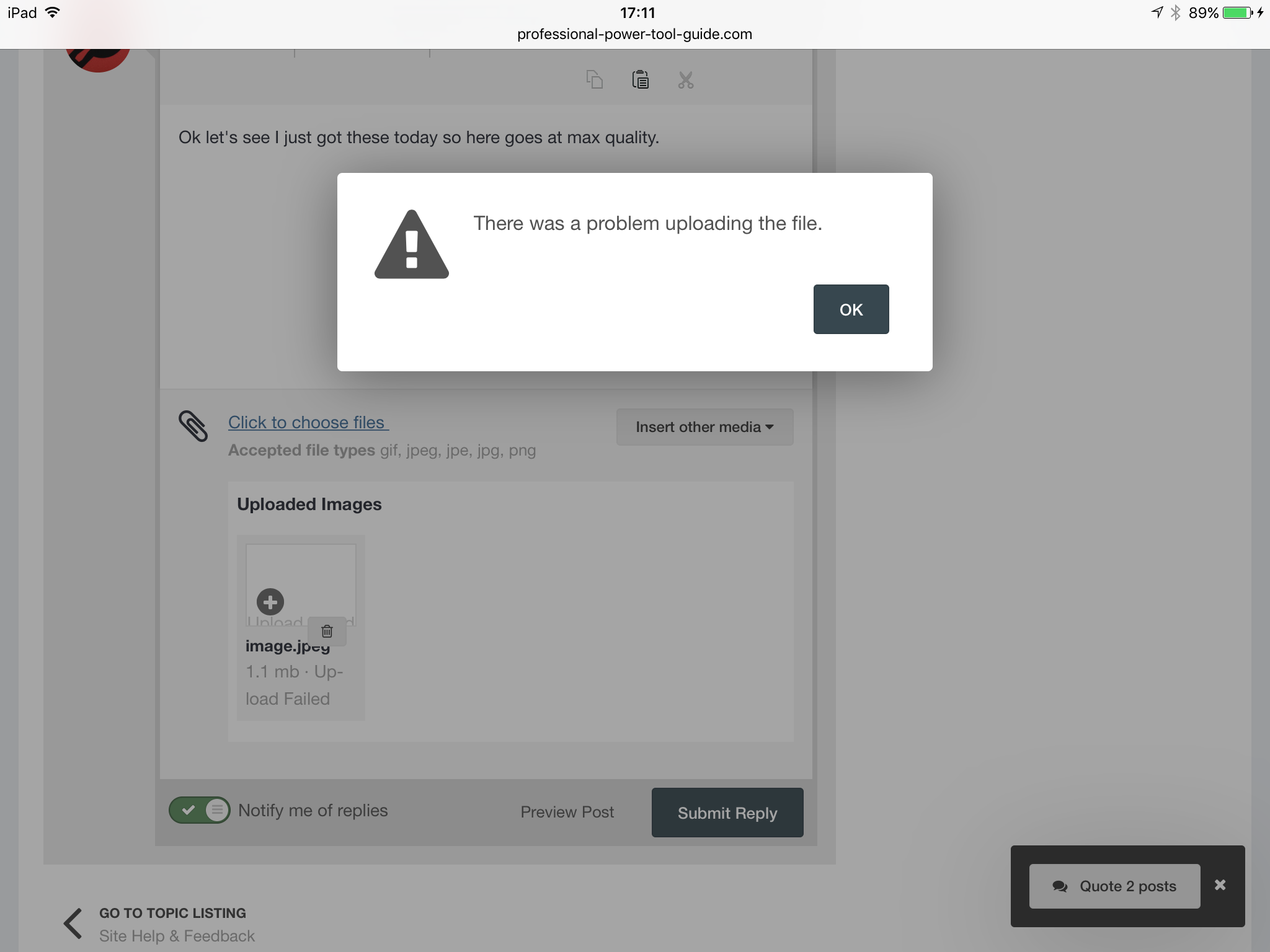
Ok let’s see I just got these today so here goes at max quality. Oh Eric I got this instead.
Glasseyi wrote:
Ok let’s see I just got these today so here goes at max quality. Oh Eric I got this instead.
This is the pic using taptalk. [External image (uploads.tapatalk-cdn.com), not copied]
The top is the quality and you can see the pic size. [External image (uploads.tapatalk-cdn.com), not copied]
John, Sent from my iPad using Tapatalk[emoji848]
OK, thanks. I am going to update that ticket and see why it’s doing that.